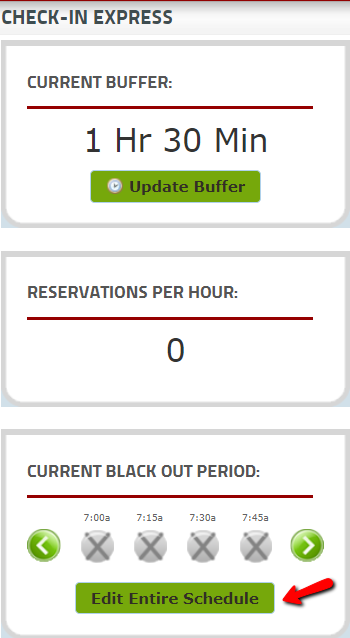
Step 1: When updating to the new ER Express system, it is important to blackout your schedule in the old system a few days prior to the transition. In the control panel, click on "Edit Entire Schedule" at the bottom of the page.
Step 2: Click on ALL reservation slots that are green. Once all reservation slots are grey, click the green "Save Changes" button.
